Systems that work when the internet drops: why I build offline first
The internet in Iraq drops and lags, and work does not wait. How field inspection, entry gates and point-of-sale run without a connection, and when you need it.

In short
- ‘Offline first’ means the device saves the work locally and sends it when a connection is available, so the employee never has to stop.
- In the field inspection system I worked on, every visit is saved on the phone, and when the round ends only what has not yet been sent is uploaded.
- The approach costs more to build and is harder to synchronise, so use it only when stopped work costs you more than it does.
In this article
Losing the internet is not an exceptional event here. Sometimes it is the electricity, sometimes the network is congested, and sometimes the employee is standing somewhere the signal never reaches. Before I design any field system or point-of-sale system I ask one question: what does the employee do when the connection disappears in the middle of the job? If the answer is ‘waits’, I have not designed the system yet.
Why this matters to you as an owner
When an employee waits for the network, you are paying for the wait. When a customer stands at a cash register that does not respond, you lose more than a few minutes. You lose their good opinion of you. This cost appears in no quotation, but you pay it every day the connection falters.
In field work it is worse. An inspector who cannot record a visit on site may write it down on paper, and that is where the trouble starts.
What ‘offline first’ means
Most systems work in this order: the device sends to the server, the server saves, and then the device shows the result. If that chain breaks anywhere, everything stops.
‘Offline first’ turns the order round. The device saves the work locally and carries on. The internet becomes a way of moving what was saved, later, and stops being a condition for carrying on with the work.
- Employee records on the device
- Saved instantly on the device
- Marked: not yet sent
- Connection returns
- Upload only what has not been sent
The connection is a way of moving the work, not a condition for doing it.
Three examples from my work
I have picked three systems I worked on, because the principle is easier to see in examples than in an explanation.
The field inspector
I worked on the backend of the field inspection system for the Communications and Media Commission of Iraq (CMC). An inspector visits a site inside the area assigned to them, records their data and location on the map, takes photos and collects the required signatures on their phone. Nobody can guarantee a signal at the site.
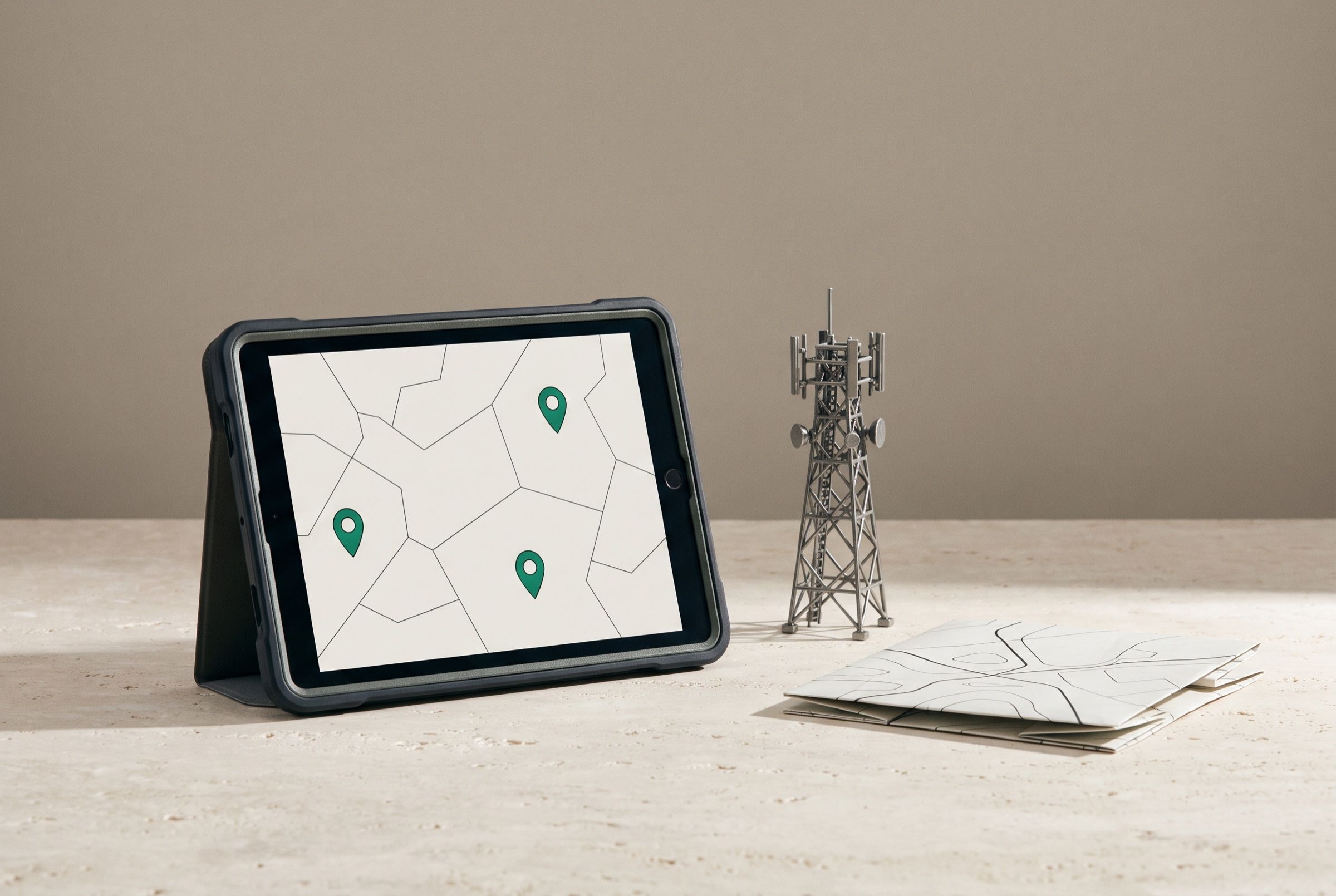
So the app does not wait for a network. Every visit is saved in a local database on the phone and marked ‘not sent’. When the inspector finishes the round, only the visits that have not yet been sent are uploaded, so nothing is duplicated.
The inspector records the visit
Location, photos, data and signatures, all on the phone.
It is saved instantly on the device
In a local database, marked ‘not sent’.
The round continues
The next visit starts without waiting for anyone.
It is uploaded when the round ends
Only the visits that have not been synchronised are sent to the server.
The manager sees the result
Reports by city, area and employee in the web dashboard.
Uploading later has another benefit. Photos and signatures are heavy, and sending them in the middle of a round over a weak network slows the work down. Leaving the upload to the end lets the inspector work at the speed of the phone, not the speed of the network.

The exhibition gate
In the entry system for the IQDEX exhibition, most of which I built, the visitor arrives at the gate holding a card with a QR code. The scanner app at the gate reads the code and checks it on the device itself, against a local database. It saves the scan record, then synchronises when a connection is available.
Think about why. If the check needed the server, a weak signal at the gate would mean a queue of people waiting. Because the device checks on its own, the gate opens at once, and the server finds out what happened a little later.
The shop
Waad is a point-of-sale and management system for electronics and device shops, which I worked on as part of my work with Dudes Studio. Selling carries on when the internet drops and synchronises automatically when it returns, with a serial number and IMEI recorded for each item. A shop cannot close its cash register with a customer standing in front of it because the network has gone down.
Locally first
every record is saved on the device before any connection
When the round ends
is when unsynchronised records are uploaded in the inspection app
Exactly once
each record reaches the server without duplication

The hard part: synchronisation
Saving on the device is easy. The hard part is getting the device’s copy and the server’s copy to meet without anything being lost or duplicated. I plan for that from the start.
I also test the awkward case: two devices record work before either connects, then both connect together. What does the server see? It is this case that breaks systems, not the ordinary one.
Every record has a number created on the device itself, so if a record arrives twice the server recognises it and does not store it twice. The best way to reduce conflicts is for every record to have a single owner: an inspector’s visit is edited by that inspector and nobody else.
| Item | Connection-dependent | Offline first |
|---|---|---|
| Where data is saved first | On the server | On the device |
| When the internet drops | The employee stops | The employee carries on |
| What the manager sees | Real time | After synchronisation |
| Cost to build | Lower | Higher because of synchronisation |
Warning: The phone can be lost
The device carrying the data can be lost or stolen before it uploads. I store on it only what is needed, protect it with a passcode, and make the upload happen at the earliest opportunity.
What the manager sees
With a system like this the manager learns to read the report differently: what they see is what has arrived so far. So I make sure the screen shows the time of the last synchronisation, and the manager does not assume an employee did no work just because the data has not come in yet.
That is a small price for data that arrives complete.
Between benefit and cost
I build offline first because the alternative is to apologise to the business owner for an outage that was not their fault. Elegance does not come into it.
What it does well
- Work never stops, however bad the network
- The interface is faster because it does not wait for the server
- No data is lost when it is recorded in an area with no coverage
Where it falls short
- It takes longer and costs more to build than an ordinary system
- The manager does not see the data in real time
- Synchronisation and conflicts need careful testing
Do you need it?
Ask yourself before you ask for an offline-first system
There is also a simple test I ask of any supplier before I believe their claim: open the app, switch on flight mode, and get through a full working day. Then reconnect and see what reached the server, and whether it arrived once.
If your answer to the first two questions is ‘no’, an ordinary system is enough for you. A company website and information pages never need this. If it is ‘yes’ to both, the extra cost is a fair price for work that does not stop, provided the manager accepts what the last two questions ask.
The short version
Ask first: what does my employee do when the connection disappears? If the answer is ‘waits’, the system was built for an office with a perfect network, not for your business.
If you decide to build it, do not start with the whole system. Ask what must never be lost, and build the saving of that first. The rest can follow.
Projects mentioned in this article



Questions
Does ‘offline’ mean the system never needs the internet?
No. It needs the internet to move what it has saved and to get reports to management, but the employee does not depend on it to do the work in front of them.
Is this approach more expensive than an ordinary system?
Yes, because synchronisation needs careful design and testing. It is worth the cost only when stopped work costs you more.
What happens if the phone is lost before the data is uploaded?
Whatever has not been uploaded is lost if the device is not protected and up to date. That is why data is uploaded at the first opportunity and the device is locked with a passcode.